

 Português pt
 Español es
 العربية ar
 বাংলা bn
 Deutsch de
 Filipino fil
 Français fr
 हिन्दी hi
 Bahasa Indonesia id
 Italiano it
 Русский ru
 Svenska sv
 ไทย th
 Türkçe tr
 Tiếng Việt vi
 简体中文 zh
Astron Login
How to access your Astron account
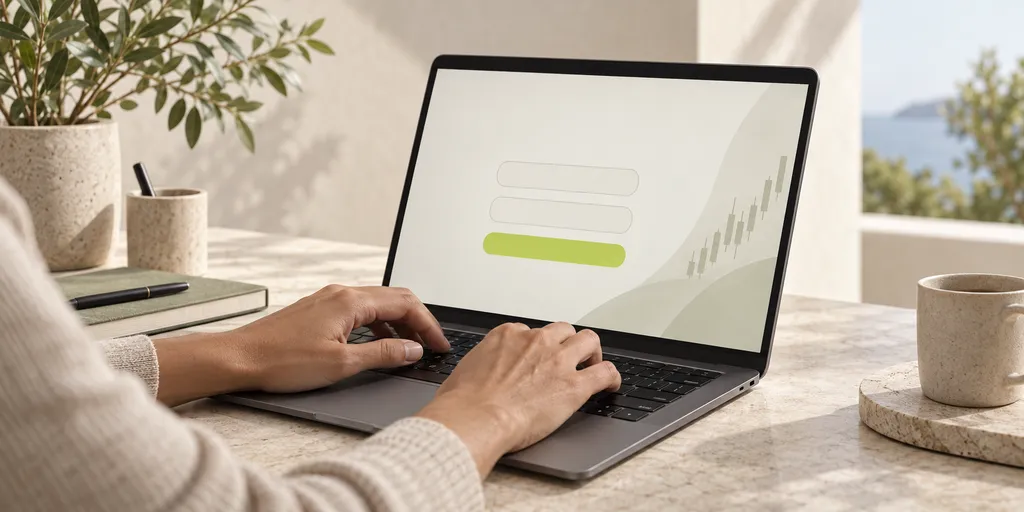
Accessing your Astron account is simple, and you can do it from your browser or from a mobile device:
- Go to the platform: head to Astron's access page and click "Login" or "Sign in," usually located in the top-right corner of the page.
- Enter your login details: type in your registered email and your password. If you're using a personal computer, you can check the box to stay signed in.
- Authentication (if enabled): if you've turned on two-factor authentication (2FA), you'll need to enter the verification code sent by SMS, email, or generated by an authenticator app.
- Access granted: once verified, you'll be redirected to your account dashboard, where you can track your investments, activity and explore all of the platform's tools.
Forgot your password? Here's what to do
If you can't remember your password, the login page itself offers a recovery option.
Here's the step by step:
- Click "Forgot my password";
- Enter your registered email;
- Follow the instructions sent to reset your password;
- Create a new, strong password and return to the login screen.
The process is usually quick and automated. If you don't receive the email, check your spam or junk folder.
Having trouble logging in to Astron?
If you're still having trouble accessing your account after following the steps above, a few things can help:
- Check your internet connection;
- Clear your browser cache and try again;
- Update your browser to the latest version;
- Try another device or network to rule out local issues;
- Contact Astron support if the error persists.
The broker offers support by email and through specific channels within the platform itself. Remember to choose a strong password, with letters, numbers and symbols.
Support for access issues
If you're having trouble logging in and the steps above don't solve it, contact the support team:
- Live chat: available directly on the platform and in the app;
- 24/7 account manager: suporte@astroncorretora.com.br
- Help center: with frequently asked questions and tutorials.
Support is fast and efficient, with staff trained to handle any situation related to your account access.
